k7k7 APK — Full Casino
in Your Pocket
Download the k7k7 app for Android and play fishing games, live dealers, and cricket betting wherever you are. Free to install, works on Android 6.0+, and connects in seconds over mobile data or Wi-Fi.
- Safe & Scanned
- Android 6.0+
- 45 MB · Free
- 18+ Only
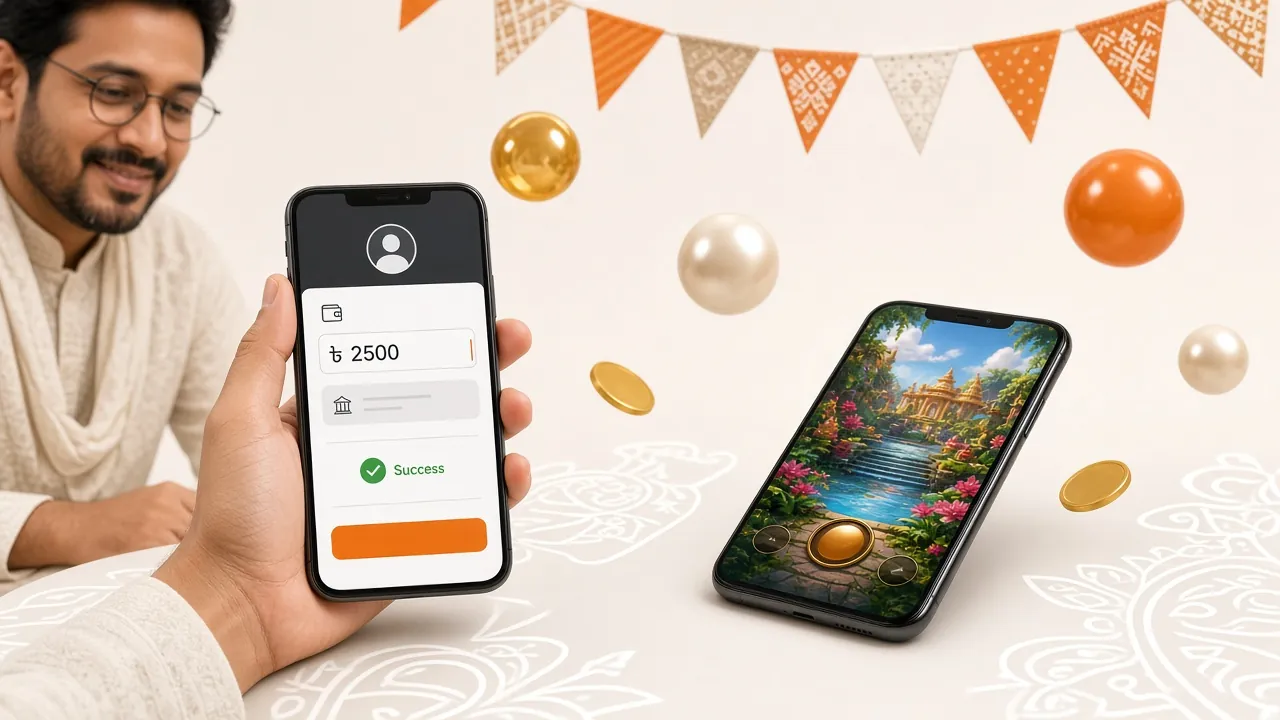
Where to Find the k7k7 APK File
The official download link is on this page only. Do not use third-party APK mirror sites — they may bundle modified files. Download directly, then follow the steps below to install it on your Android device.
iPhone / iPad — Add to Home Screen
Apple does not allow APK installs. iOS users can still access the full site as a web app — here is how to pin it to your home screen for a near-native feel.
- 1 Open Safari on your iPhone or iPad and go to k7k7.lat.
- 2 Tap the Share button (the box with an upward arrow) at the bottom of the screen.
- 3 Scroll down and tap "Add to Home Screen."
- 4 Tap Add in the top-right corner. The k7k7 icon will appear on your home screen.
- 5 Tap the icon to launch the site in full-screen mode — no browser address bar in the way.
Games Inside the App


Red Tiger slot · RTP 97.1% · Bet from ৳2. Fast spins work smoothly on a 4G connection.
CQ9 fishing game · RTP 97.6% · Bet from ৳2. Tap-to-shoot controls designed for touchscreens.
Installing the k7k7 APK on Android
The whole process takes under two minutes. You need Android 6.0 or above and about 45 MB of free space. Follow each step in order — skipping the "unknown sources" setting is the most common reason installs fail.
-
Allow installation from unknown sources
Go to Settings → Apps → Special App Access → Install Unknown Apps. Find your browser or file manager, then toggle "Allow from this source" on. On some Android skins (MIUI, One UI) this setting lives under Security → More Settings. You only need to do this once.
-
Download the APK file
Tap the "Download APK" button on this page. Your browser will save k7k7.apk (45 MB) to your Downloads folder. Wait for the progress bar to reach 100% before proceeding — a partial download causes install errors.
-
Open and run the installer
Pull down your notification shade and tap the completed download, or open your file manager and go to Downloads → k7k7.apk. Tap it, then tap "Install" when Android prompts you. The installation takes about 10–15 seconds.
-
Open the app and log in
Tap "Open" on the success screen, or find the k7k7 icon on your home screen. Log in with your existing account or tap "Register" to create a new one. Your account balance and game history carry over automatically.
-
Deposit and start playing
Tap Deposit, choose bKash, Nagad, Rocket, or Upay, and enter at least ৳350. Funds arrive within about 1 minute. That is it — you are ready to play. If you have not registered yet, create a free account here first.
Quick Requirements
- Android 6.0 or higher
- 45 MB free storage
- Wi-Fi or mobile data
- Unknown sources enabled
- Age 18+ to register
What You Can Do in the App
The k7k7 app is not a stripped-down version of the site. Every feature from the full casino is available on your phone, with a layout designed around a touchscreen.
One-tap login
Stay logged in between sessions. The app remembers your account so you do not need to type your credentials every time you open it. Use biometric unlock if your phone supports it.
Deposit and withdraw on the go
Switch to your bKash or Nagad app and return in seconds to confirm payment. Deposits arrive in about 1 minute. Withdrawals process in roughly 26 minutes.
Live dealer tables in portrait mode
Live Blackjack and Baccarat tables from CQ9 and Playtech stream in HD. The layout is optimised for portrait viewing so you can follow the action without rotating your phone.
Cricket and sports betting
Place bets on BPL, IPL T20, and ODI matches directly from the app. Markets update in real time during a match. Check the casino page for available events.
Push notifications for promos
Opt in to receive alerts when a reload bonus or cashback offer is active. You can turn these off at any time in your phone's notification settings without affecting gameplay.
24/7 live chat support
The support button is always one tap away inside the app. Agents reply in real time — useful when you are in the middle of a session and something does not look right.
App at a Glance
- Games
- 4,800+
- Min Deposit
- ৳350
- Withdrawal
- ~26 min
- Support
- 24/7
APK or Mobile Browser — Which Should You Use?
Both options give you full access to k7k7. The table below shows where each one has the edge so you can choose based on how you normally play.
| Feature | k7k7 APK | Mobile Browser |
|---|---|---|
| Load speed | Faster — assets cached locally | Loads fresh each visit |
| Mobile data usage | Lower — UI assets pre-bundled | Higher on first load |
| Push notifications | Yes — opt-in alerts | Not available |
| Installation needed | Yes — 45 MB download | No install required |
| Game library | Full 4,800+ games | Full 4,800+ games |
| bKash / Nagad deposit | Supported | Supported |
| Best for | Regular players, commutes | Quick one-off sessions, iOS users |
If you play more than a few times a week, the APK is the better choice. For occasional sessions or if you are on iPhone, the browser version works just as well.
When the Install Does Not Go as Expected
Most problems come down to one of five issues. Expand the one that matches what you see on screen and follow the fix.
"Install blocked" message appears
Fix: Go to Settings → Apps → Special App Access → Install Unknown Apps. Find the app you used to download the file (usually Chrome or your browser), then enable "Allow from this source." Return to the APK file and tap Install again. This setting does not expose your phone to other risks — you are only allowing installs from that specific app.
"Parse error" or "Package not supported"
Fix: Delete the existing k7k7.apk from your Downloads folder, then tap the download button on this page again. Make sure your connection is stable (Wi-Fi is more reliable than data for a 45 MB file). Wait until your browser shows 100% before tapping the file. Do not download from other sites — files from mirrors may be corrupted or modified.
"Not enough storage space"
Fix: Go to Settings → Storage and check your available space. Clear the cache of a few apps you use infrequently, or delete photos you have already backed up. You need at least 80 MB free to install and run the app comfortably. After that first install, the app does not grow much in size.
"App not installed" after tapping Install
Fix: Go to Settings → Apps → k7k7 and uninstall the existing version first. Then re-download from this page and install the official v2.0.17. Your account data is stored server-side, so uninstalling does not affect your balance or history.
App installs but crashes on opening
Fix: Check your Android version under Settings → About Phone → Software Information. If it is below 6.0, the app cannot run on your device — use the browser version instead. If your Android is 6.0+, disable any task-killer or battery optimisation for k7k7 in Settings → Battery → App Battery Management, then relaunch.
None of the above solved it? Our 24/7 live chat support can walk you through the fix in real time — tap the chat icon inside the app or on the site.
Permissions the App Requests — and Why
The k7k7 app asks for a small set of standard Android permissions. Here is what each one is for and how to turn it off if you change your mind. The app still works with most permissions disabled — only camera and storage are needed for account features.
Only download from this page
The official k7k7 APK is hosted only at k7k7.lat. Files shared on Telegram groups, Facebook pages, or APK mirror sites may be repackaged with malware or outdated builds that expose your login details. If you are unsure whether a file is genuine, delete it and re-download from the button on this page.
Questions Players Ask About the k7k7 APK
These are the questions our support team hears most often about the app. If yours is not listed, the 24/7 live chat button is always available inside the app.
Is the k7k7 APK safe to install on my phone?
My phone says the install is blocked. What do I do?
Does the k7k7 app work on iPhone or iPad?
How do I update the app to the latest version?
Can I use bKash or Nagad to deposit through the app?
What is the minimum Android version needed to run the app?
Ready to play on your phone?
Download the k7k7 APK now — it takes under two minutes to install. Already have an account? Head straight to the login page. New here? Register free and claim your first deposit bonus.
18+ · Play Responsibly · Android 6.0+ · 45 MB · Free
By downloading the k7k7 APK you agree to our Terms & Conditions and Privacy Policy. For safe gaming resources, visit Responsible Gaming.